How to Organize Ticket Exhibits for Traffic Court
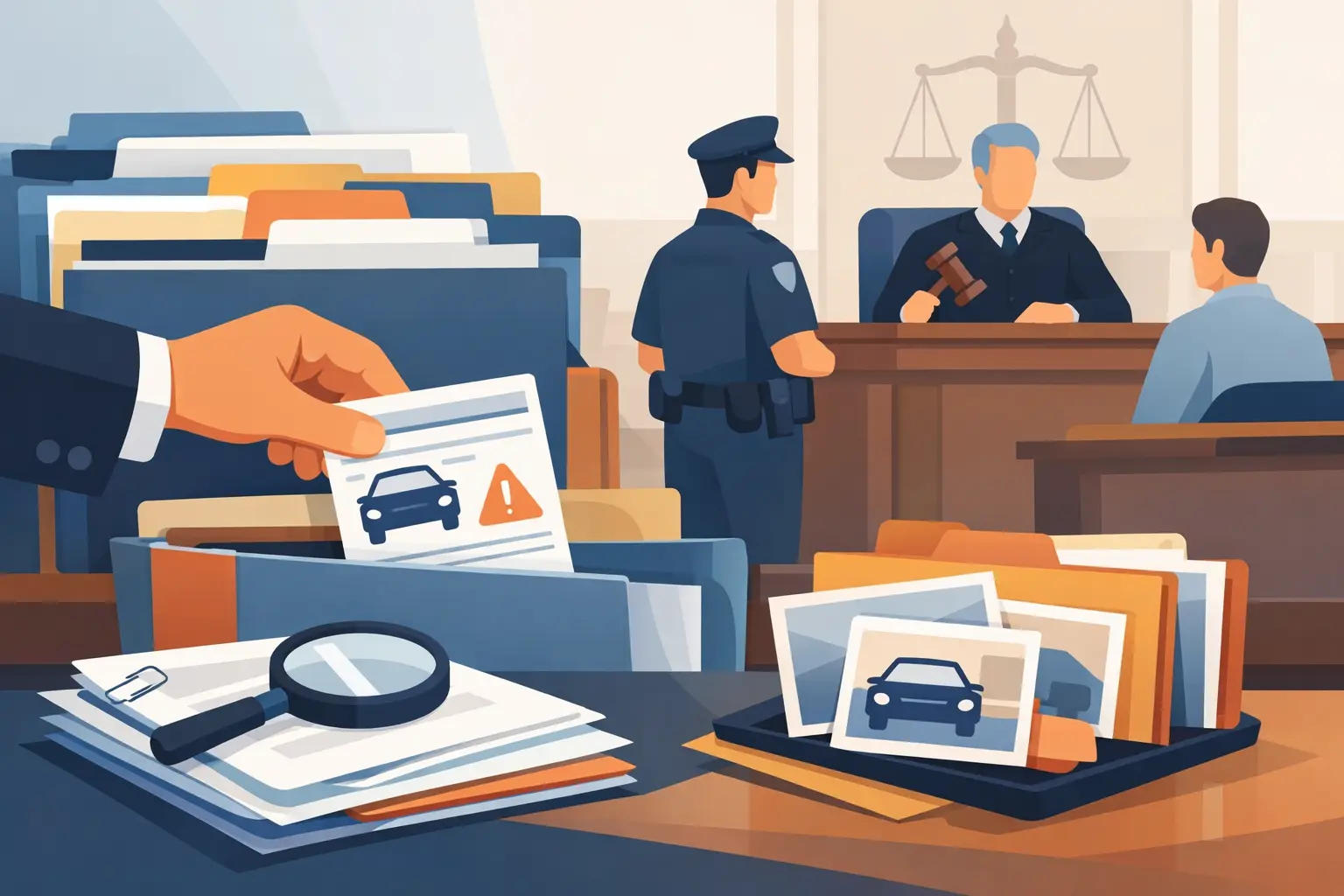
A traffic court judge may have only a few minutes to understand what happened during your stop. A phone full of photos, an unlabeled video, or a stack of loose paperwork can make useful evidence difficult to follow. Learning how to organize ticket exhibits helps you present the facts in a way that is easier to review, whether you are challenging a California traffic citation in person or preparing written materials.
Organization does not create a defense by itself. It does, however, help ensure that the relevant details - the citation, location, road conditions, officer statements, measurement context, and your own records - are available when you need them. The goal is a small, clear evidence packet that supports the specific points you intend to raise, not a large collection of every document you can find.
Start With the Citation and Court Notice
Use the citation as the anchor for your exhibit file. Confirm the alleged violation code, date, time, location, court name, appearance date, and officer or agency information. If you received a courtesy notice or other court paperwork, keep it directly behind the ticket in your working file.
This first review can reveal practical issues before you spend time collecting material. For example, a location listed on the ticket may be incomplete, a date may not match another document, or the cited code may not align with the facts you remember. These details are not automatically grounds for dismissal. Still, they can affect which records matter and what questions you may need answered.
Create a one-page case sheet for yourself. Include the court deadline, your planned response or appearance date, the alleged violation, and a short description of your position. Keep this sheet for planning rather than submitting it as evidence unless it contains information you can independently support.
Choose Exhibits That Prove a Specific Point
Each exhibit should answer a simple question. What does this item show, and why does that fact matter to the citation? If you cannot explain the connection in one or two sentences, it may not belong in the final packet.
For a speeding citation, relevant materials might include photographs showing the posted speed-limit sign, the roadway layout, sight lines, traffic conditions, or construction activity. A map or time-stamped photo may help establish where a sign was located in relation to the alleged stop. Weather records can be relevant if visibility, rain, fog, or road conditions are part of the factual dispute.
For an equipment or registration-related citation, the most useful exhibit may be a repair invoice, DMV record, inspection document, or clear photo showing the condition at the relevant time. For a stop involving a turn, lane change, or signal allegation, a diagram and photographs of lane markings or sign placement may be more useful than general character statements.
Avoid adding items merely because they feel unfair or frustrating. A long explanation about financial hardship, a screenshot without a visible date, or a photo taken months later may carry little weight unless it directly relates to the issue before the court. The best exhibit set is usually focused and verifiable.
How to Organize Ticket Exhibits by Category
A simple chronological order works in many cases, but category order is often clearer for traffic citations. Put the citation and court paperwork first, then arrange supporting items in the order a judge would likely need to see them.
A practical exhibit packet may include four categories:
- Core documents: The citation, courtesy notice, and any notice of correction or court filing relevant to the case.
- Scene evidence: Photos, diagrams, maps, and video stills showing the roadway, signs, lanes, intersections, or sight lines.
- Condition and timing evidence: Weather information, traffic conditions, time-stamped records, maintenance records, or other materials tied to the date and time of the citation.
- Supporting records: Repair receipts, registration records, witness declarations where permitted, or correspondence that documents a relevant fact.
Within each category, place items in date order where dates matter. If a repair happened after the citation, label it honestly as a later repair. Do not imply that a later photo or receipt proves the same condition existed at the time of the stop.
Label Every Exhibit Clearly
Give each item a short label: Exhibit A, Exhibit B, Exhibit C, and so on. Put the label in the same corner of every page, preferably the bottom right or top right. Then create an exhibit index on a separate page.
Your index does not need legal jargon. It can be as direct as: “Exhibit A - Copy of citation,” “Exhibit B - Photograph of speed-limit sign at cited location,” and “Exhibit C - Weather record for date and time of stop.” Add a one-line relevance note if it helps you stay focused, such as “Shows sign placement from driver’s approach.”
For multi-page records, identify the page count. For example: “Exhibit D - Repair invoice, pages 1-2.” Number the pages of your packet as well. If a judge, clerk, or officer refers to an item, everyone should be able to find it quickly.
Do not edit photos or alter screenshots in a way that changes their meaning. Basic actions such as cropping a duplicate border or adding a label outside the image can improve readability, but preserve the original file. Keep original photos and videos saved separately, including any available date, time, and location information.
Handle Photos, Video, and Maps With Care
Photos are often more persuasive when they are printed clearly and paired with context. A close-up of a sign may be useful, but it can be stronger alongside a wider photo showing the driver’s approach, obstructions, or distance from the roadway. Label where the photo was taken and when, especially if the scene has changed since the stop.
Video can be helpful, but it creates practical problems in court. A file on your phone may not be easy for the court to play, and a long recording can obscure the important portion. If you plan to rely on video, identify the relevant time segment and prepare several still images that show the key frames. Follow the court’s current procedures for submitting or presenting electronic evidence.
Maps and diagrams should be simple. Mark the direction of travel, the officer’s reported location if known, the stop location, signs, lanes, and other features that matter. A diagram is most useful when it clarifies photographs or testimony. It should not guess at facts you cannot support.
Match the Packet to Your Court Procedure
California traffic cases can proceed differently depending on the court and the option you choose. An in-person trial, a trial by written declaration, and a request involving documentary evidence may have different filing rules, copy requirements, and deadlines. Check the court’s instructions before assuming you can hand a packet to the judge on the hearing date.
If you are submitting written materials, make sure the text refers to exhibits by their labels. For example: “As shown in Exhibit B, the sign was positioned after the point identified in the citation.” That connection is more useful than attaching a photo without explanation.
Bring or submit clean copies, not your only originals. Keep a complete duplicate packet for yourself. If the court requires service or copies for another party, follow those instructions carefully. A strong document can still be overlooked if it is not submitted through the required process or arrives after a deadline.
Review for Accuracy Before You File
Before finalizing the packet, perform a practical review. Are all dates, addresses, and labels correct? Does every exhibit open, print clearly, and match the index? Does each item support a factual point you may actually discuss? Remove duplicates and anything that could distract from your central issue.
It also helps to practice a short explanation of the packet. You do not need to read every page aloud. Be ready to identify the citation, state the factual issue, and direct attention to the specific exhibit that supports your point. Clear organization makes that easier under pressure.
JusticeDrive can review California traffic-ticket details and help identify evidence categories, paperwork signals, and potential issues to examine before you pay or decide how to proceed. It is not a law firm, does not provide legal representation, and cannot guarantee a dismissal, reduced fine, or any court outcome.
A well-organized exhibit packet gives the facts a fair chance to be seen. Start early, preserve your originals, follow the court’s instructions, and keep your evidence tied to the exact circumstances of your citation.